Why Systems Fall Over (It Is Rarely the Code)
When a system collapses under load, the post-mortem almost never says “the code was bad.” It says the database became the bottleneck, the cache stampeded, one slow dependency dragged everything down, or success itself — ten times the users the design assumed — arrived faster than the architecture could adapt. System design basics exist to prevent exactly those failures: they are the small set of ideas about load, bottlenecks, and trade-offs that decide whether a system bends or breaks when it succeeds.
This guide covers those ideas the way senior engineers actually use them: as questions to ask before writing code, not as interview trivia.
Start With the Numbers: Load and Latency
Every design conversation should begin with rough numbers: how many users, how many requests per second at peak, how much data, and how fast must responses be? A system for a hundred internal users and a system for a million shoppers are different species, and most failed designs are simply good designs aimed at the wrong numbers. Estimate generously but honestly — designing for imaginary planet-scale traffic wastes the same money as designing for none.
Two numbers deserve special respect. Peak load, not average load, is what breaks systems: the sale, the viral post, the Monday-morning login storm. And latency at the tail — the slowest one percent of requests — is what users actually complain about, because in a page built from fifty service calls, the slowest call sets the speed. Design for peaks and tails, and averages will take care of themselves.
The Usual Bottleneck: The Database
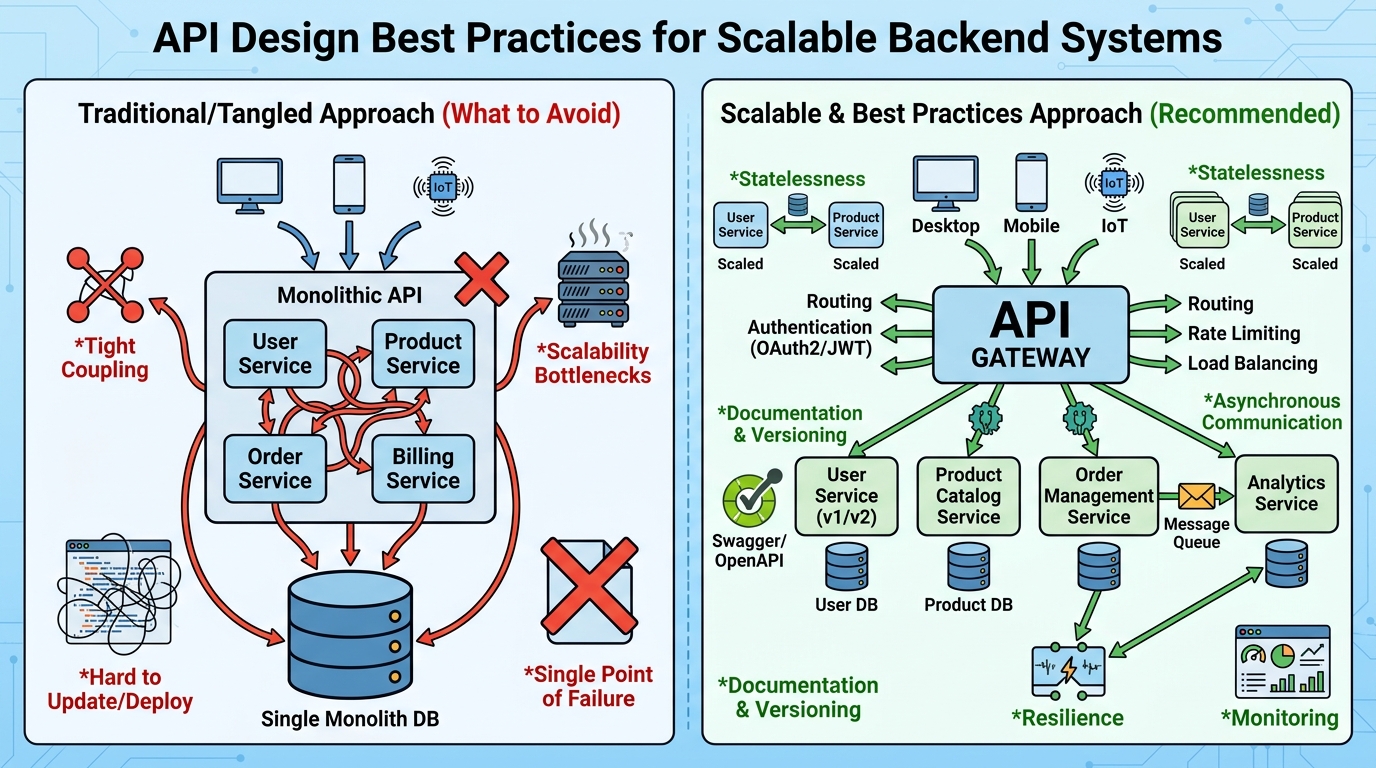
In most real systems, the database is where scale goes to die. Application servers are easy to multiply; a single database holding all state is not. The basics that save teams: index for the queries you actually run and watch the slow-query log like a smoke alarm; keep transactions short; never let a report or an admin export run against the same database serving customers; and add a cache before you add hardware.
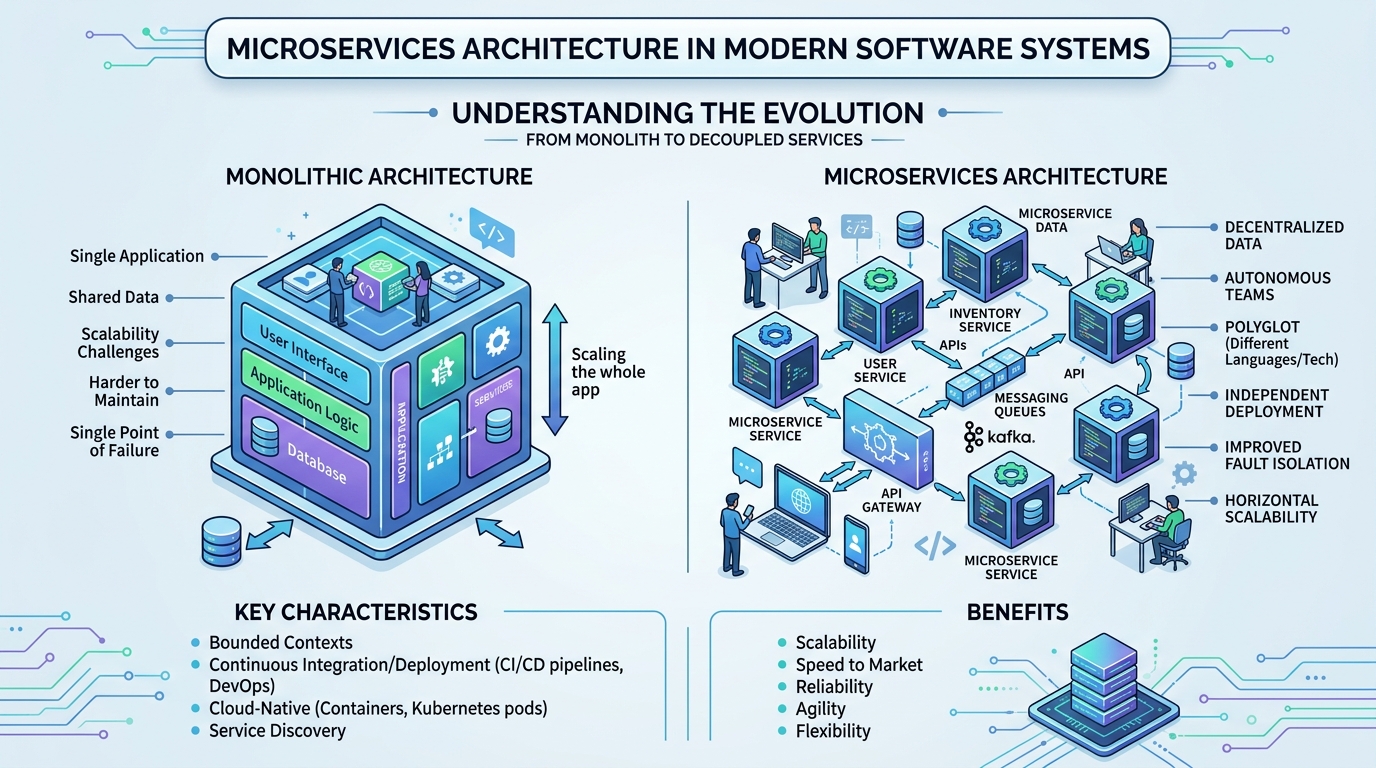
When one database genuinely cannot keep up, the ladder of options runs: read replicas for read-heavy traffic, partitioning data by a key that matches how it is accessed, and only then exotic distributed databases — with the honest warning that each step trades simplicity for scale. Most systems die of an unindexed query long before they need any of this, which is why the basics are basics: they solve the common cases.
Caching and Queues: The Two Great Shock Absorbers
A cache stores the answer to an expensive question so it need not be computed twice. Put caches in front of whatever is slow and read often — product pages, session data, configuration — and accept the one hard problem caching brings: knowing when the stored answer has gone stale. Short lifetimes for fast-changing data, explicit invalidation for important changes, and a plan for the thundering herd (the moment a popular cached item expires and a thousand requests recompute it at once) cover most real-world caching pain.
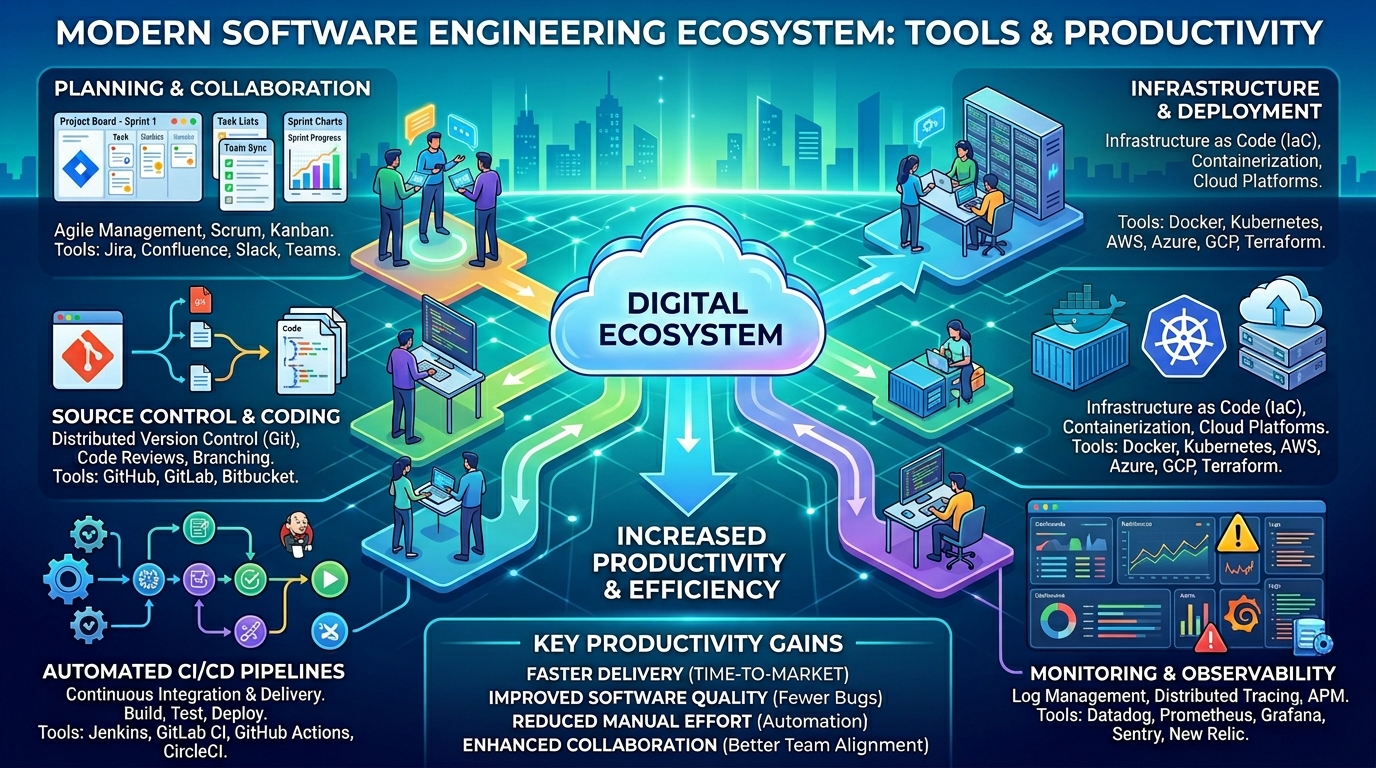
Queues absorb the other kind of shock: work that arrives in bursts but can be done slightly later. Sending email, resizing images, processing payments’ side-effects — anything not needed for the immediate response belongs in a queue, where it can be retried safely when something fails instead of failing in front of the user. Together, caches and queues are how small systems survive big moments; and they pair naturally with the automation discipline in ci/cd pipeline explained, because a system designed with shock absorbers still needs a safe way to ship changes into it.
Design for Failure, Not Just for Load
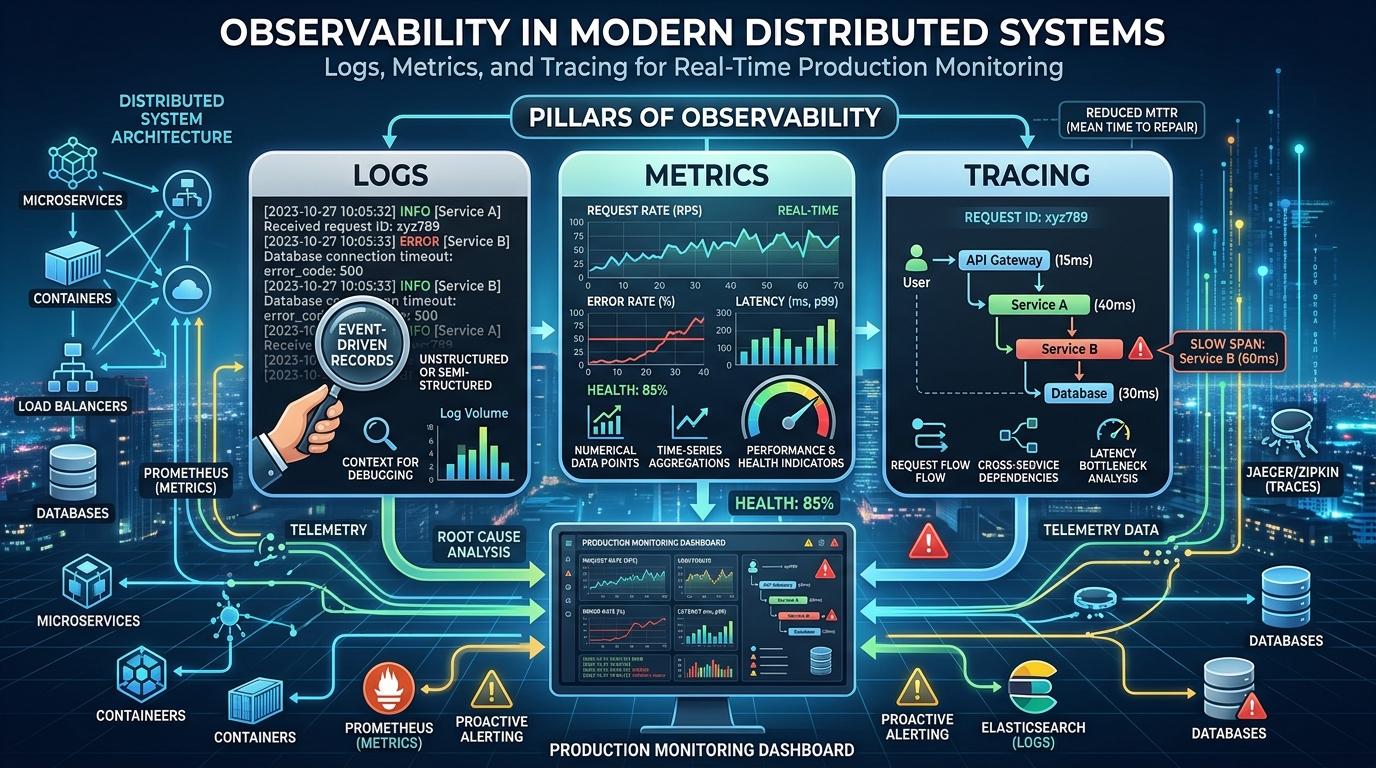
Things will fail: a server, a network, a third-party API you do not control. Resilient design assumes it. Set timeouts on every external call — an unbounded wait is an outage waiting for a trigger. Retry with backoff and limits, never in a tight loop against a struggling dependency. Isolate failures so one broken feature cannot take the checkout down with it, degrade gracefully (a recommendations box that disappears beats a page that errors), and make every failure visible with logging and alerts before users report it for you.
Above all, keep the design as simple as the numbers allow. Every component is a thing that can break at 3 a.m., so each must earn its place by solving a load, latency, or reliability problem you actually have — not one you might have at a scale you may never reach.
A Worked Mini-Design: The Flash Sale
Watch the basics combine. A small shop expects a sale to bring fifty times normal traffic for one hour. The numbers say the database can handle perhaps three times. So: product pages go behind a cache with short lifetimes, stock checks read from replicas, checkout writes stay on the primary but the queue absorbs order-confirmation emails and invoice generation, the payment provider gets strict timeouts with a friendly “we will confirm by email” fallback, and the team watches the slow-query log and queue depth as the sale runs. Nothing exotic was purchased; the system simply stopped asking its weakest component to do the hardest work at the worst moment.
One habit ties all of this together: draw the design on one page before building, boxes and arrows only, and force yourself to label each arrow with what happens when it fails. The exercise takes an hour and routinely finds the bottleneck, the missing timeout, and the single point of failure while they are still free to fix — in a drawing, rather than in production.
The Bottom Line
System design basics are a handful of questions asked early: what are the real load numbers, where is the bottleneck (usually the database), what can be cached, what can be queued, and what happens when each part fails? Answer those honestly, keep the architecture as simple as the numbers permit, and your system will bend under success instead of breaking from it — which is the only kind of scaling problem worth having.